Reddy Panel
What a Reddy Panel account is, how the panel system works on the platform, what panel holders can do that regular users cannot, and how to access your own panel ID securely in 2026.

What Is a Reddy Panel?
If you have been using Reddybook or any related platform for a while, you have probably heard the word "panel" come up in conversations. A Reddy Panel is a type of account that sits above a standard user account in the platform hierarchy. While a regular user account is for placing bets, depositing money, and playing casino games, a panel account has additional capabilities — primarily the ability to create and manage user IDs for other people.
Think of it like a distribution layer. The platform at the top creates master accounts. Master accounts create panel accounts. Panel accounts create user IDs for individual bettors. Each panel holder is responsible for the users they manage — handling deposits, withdrawals, and account-related queries for their group of players. The panel system is how the platform scales across India without needing to handle every individual user registration and transaction directly at the top level.
If you are a regular bettor looking for a Reddy Panel account, the most common reason is that you want to create IDs for friends or family rather than just betting yourself. If you are an agent or local distributor for the platform, a panel ID gives you the tools to manage accounts for the players in your network.
For regular users who just want to bet on cricket and play casino games, a standard user account is all you need. You do not require a panel account to access any of the betting or casino features on the platform. The panel system is specifically for people who are managing multiple accounts, not for people who are simply betting on their own.
Panel vs User Account — The Core Difference
The easiest way to understand the difference is to think about what each type of account can do. A user account lets you bet, deposit, withdraw, and play casino games. A panel account does all of that but also lets you create user accounts, set credit limits for users, manage their wallet balances, and see the activity of the accounts under your panel. It is less about betting yourself and more about managing a group of bettors.
The Account Structure Explained Simply
👑 Master / Super Admin
Platform level — creates and manages panel accounts, sets platform-wide limits and permissions
🎛️ Panel Account (Super Agent / Agent)
Creates user IDs, manages deposits and withdrawals for assigned users, monitors activity in their network
👤 Regular User Accounts
Individual bettors — place bets, deposit, withdraw, play casino games through their assigned panel
In practice, most Indian bettors only ever interact with the user level. They get their ID from a panel holder — either directly from the platform's official WhatsApp team or through an authorised agent — and then use that ID purely for betting. The panel structure behind the scenes handles the logistics of account creation and balance management, but none of this affects the day-to-day experience of a regular user at all.
What Each Account Type Can Do
| Feature | Regular User Account | Panel Account |
|---|---|---|
| Place sports bets | ✓ Yes | ✓ Yes |
| Deposit via UPI | ✓ Yes | ✓ Yes |
| Withdraw winnings | ✓ Yes | ✓ Yes |
| Access casino games | ✓ Yes | ✓ Yes |
| Create user IDs for others | ✗ No | ✓ Yes |
| Manage user wallet balances | ✗ No | ✓ Yes |
| View users' betting activity | ✗ No | ✓ Yes |
| Set credit limits for users | ✗ No | ✓ Yes |
| Handle sub-agent deposits | ✗ No | ✓ Depends on level |
What the Panel Interface Looks Like
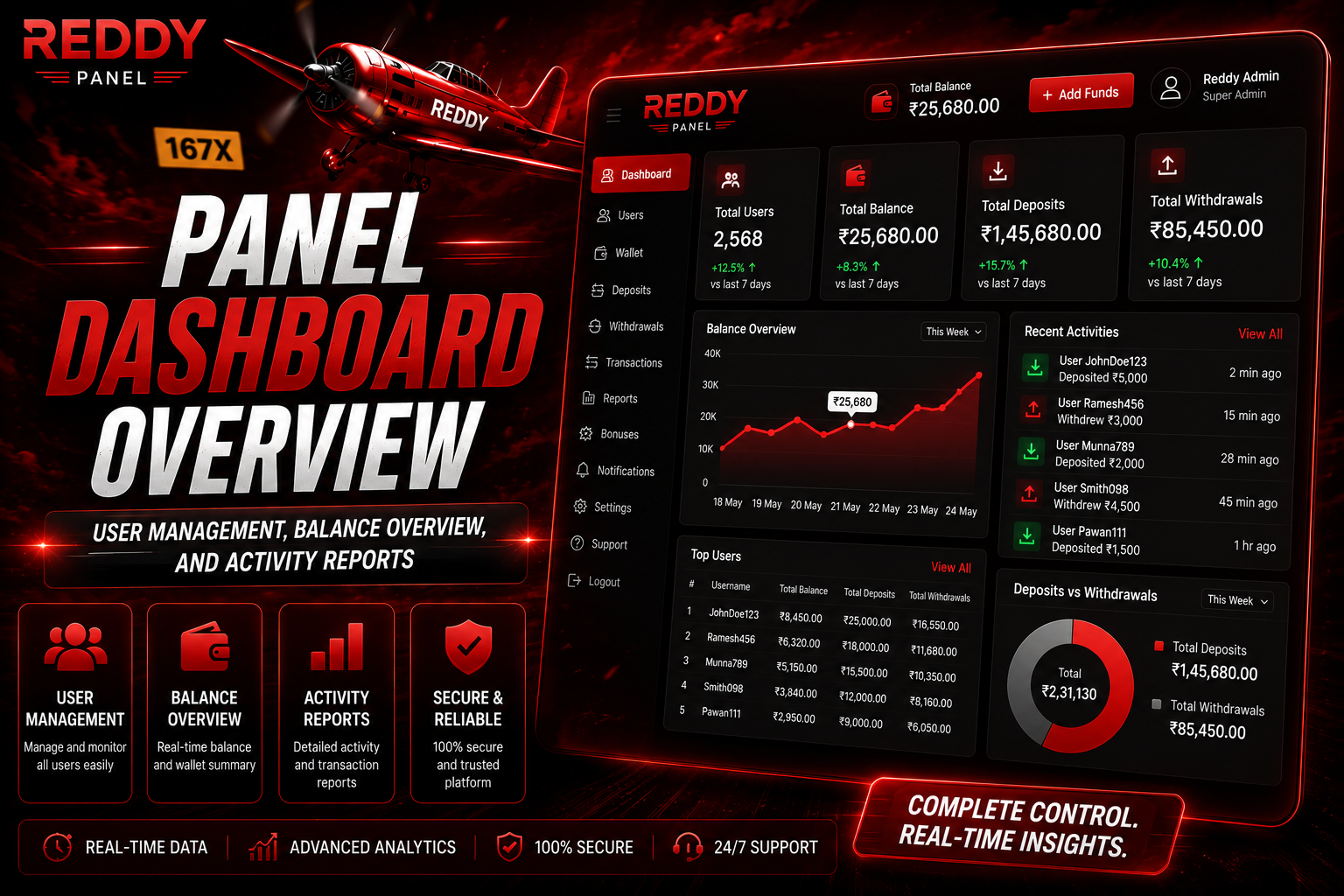
Panel Dashboard Overview
User management, balance overview, and activity reports — replace with your own image.
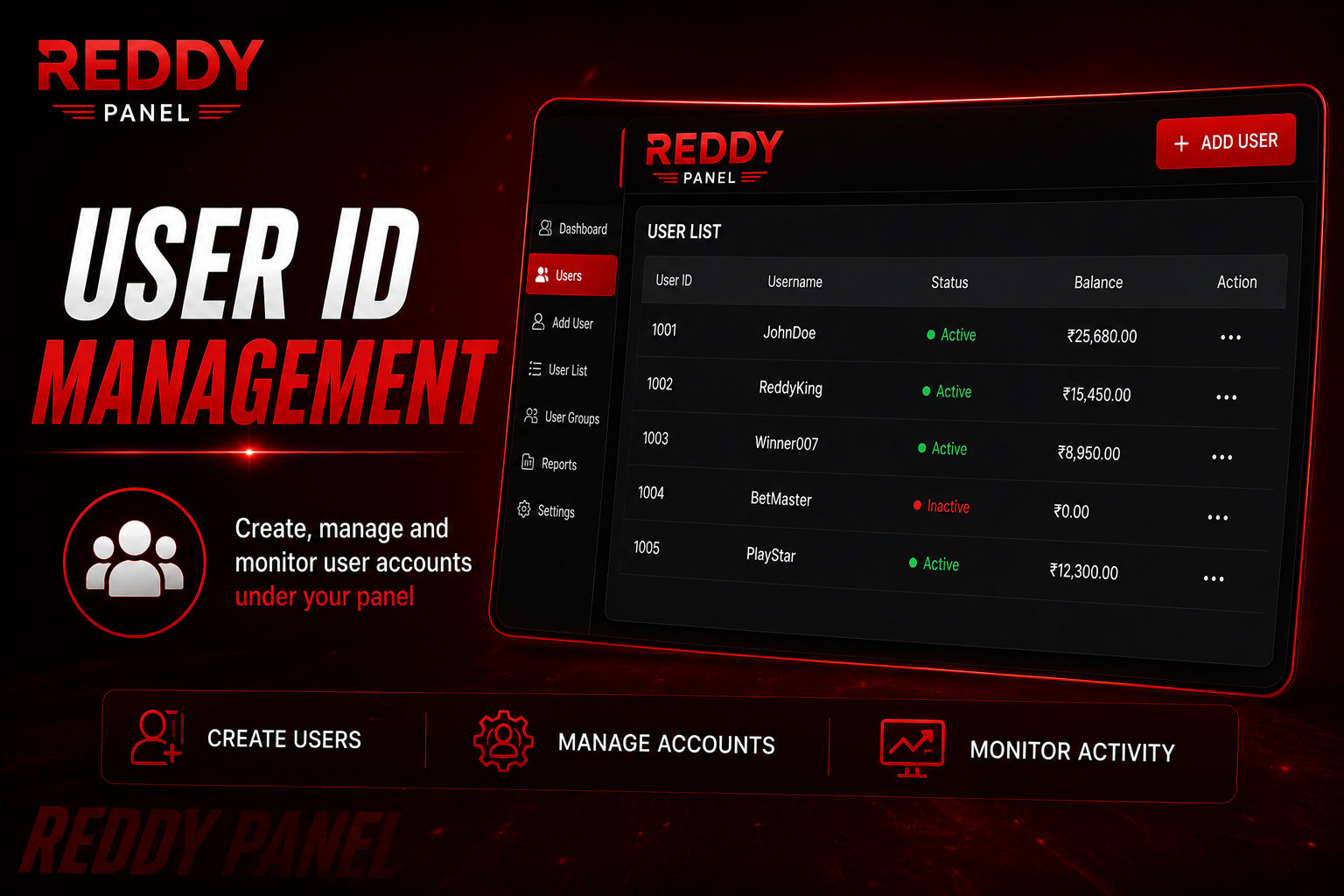
User ID Management
Create, manage and monitor user accounts under your panel — replace with your own image.
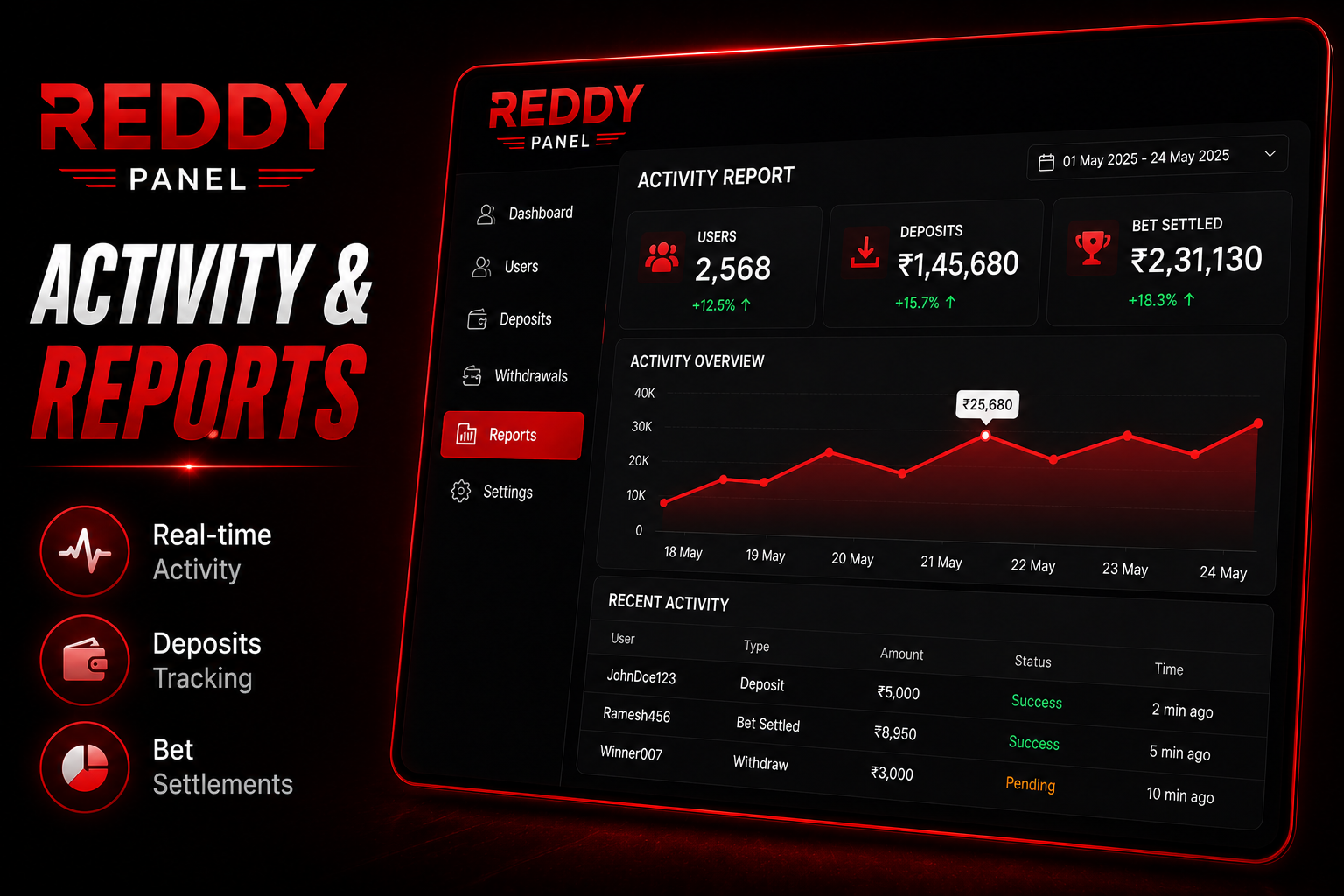
Activity and Reports
Real-time view of user activity, deposits, and bet settlements — replace with your own image.
Key Features of a Reddy Panel Account
Create User IDs
Generate new betting accounts for players in your network instantly from within the panel dashboard.
Manage Balances
Add funds, adjust credit limits, and handle deposit and withdrawal requests for your assigned users.
View Betting Activity
See real-time reports on which bets your users are placing, their win/loss records, and their account status.
Account Notifications
Receive alerts for deposit requests, withdrawal requests, and unusual activity across your user group.
Account Settings Control
Suspend or reactivate user accounts, reset passwords, and update account details for users in your network.
Direct Support Access
Panel holders get a dedicated support channel for faster resolution of account and payment issues at scale.
How to Get a Reddy Panel ID
Start With a Regular User Account First
Panel access is not given to first-time users without any history on the platform. You need an established user account in good standing before you can apply for or be granted panel-level access. If you do not have a user account yet, create one first through the official WhatsApp number.
Contact the Official Support Team and Express Interest
Message the official WhatsApp support number and explain that you are interested in panel access. Describe the size of your network — how many users you expect to manage — and your experience with the platform. The team will assess whether panel access is appropriate for your situation.
Complete the Panel Verification Process
Panel accounts require a more thorough identity verification than standard user accounts, because panel holders handle money and account management for other people. Be prepared to provide identity documentation and proof of your existing user account in good standing.
Receive Your Panel ID and Access Your Dashboard
Once approved, your unique panel ID and dashboard credentials are shared with you. Log into the panel interface, familiarise yourself with the tools available, and start creating user IDs for your network under the terms agreed with the platform.
Keeping Your Panel Account Secure
Use a Strong Unique Password for Panel Login
Panel accounts have access to multiple users' funds and data. The password protecting them needs to be stronger than a personal account — mix upper and lowercase letters, numbers, and symbols, and never reuse it from any other account anywhere.
Never Share Your Panel Credentials With Anyone
Unlike user accounts where the risk is limited to your own funds, panel credentials give access to the accounts and balances of everyone in your network. Sharing credentials — even with trusted associates — creates serious security and liability risks. Keep them strictly private.
Only Access the Panel From Trusted Private Devices
Never log into your panel account from a shared computer, a friend's phone, or any public device. Panel dashboard sessions should only ever happen on a device that is yours alone, with a screen lock enabled, on a private internet connection.
Act Immediately on Any Suspicious Activity
If you notice transactions or account changes you did not make, contact the platform support team immediately. Panel-level issues need to be escalated faster than user-level issues because they can affect multiple accounts simultaneously.
Reddy Panel Questions Answered
What is a Reddy Panel account?
A Reddy Panel account is a higher-level account type that allows the holder to create and manage user IDs for other bettors, handle their deposits and withdrawals, and view their betting activity. It sits between the platform administration and regular end users in the account hierarchy. Regular bettors do not need a panel account — it is specifically for agents or people managing accounts for a group of players.
Do I need a panel account to bet on cricket?
No. A regular user account gives you full access to all betting and casino features — live cricket markets, sports betting, Teen Patti, roulette, UPI deposits and withdrawals. Panel accounts are for people who want to manage other users' accounts, not for personal betting. If you just want to bet yourself, a standard user account is all you need.
How is a panel account different from a regular user account?
The main differences are that panel accounts can create user IDs for other people, manage their wallet balances, set credit limits, and view their betting activity — none of which a regular user account can do. Both types can place bets, deposit, withdraw, and access the casino section. The panel is an additional management layer on top of the standard user experience.
How do I get panel access on Reddybook?
Contact the official WhatsApp support team with an established user account in good standing. Explain that you are interested in panel-level access and describe how many users you plan to manage. The team will walk you through the verification requirements and eligibility criteria. Panel access is not granted automatically — it requires approval based on your history and intended use.
Can a panel holder see everything a user does on their account?
Panel holders can see transaction history, deposit and withdrawal activity, and general betting records for users assigned to their panel. The level of visibility varies depending on the specific panel tier. Detailed bet-by-bet activity may or may not be visible depending on the access level granted — check with the support team for the exact scope of visibility for your specific panel type.
What happens if I lose access to my panel account?
Contact the official WhatsApp support team immediately. Panel account recovery requires identity verification at a higher level than standard user recovery because of the sensitivity of the access. Have your panel ID, registered mobile number, and any identity documents you used during panel setup ready. Act quickly — panel lockouts affect not just your own access but potentially the users in your network too.
Related Guides
Interested in Panel Access?
Contact the support team on WhatsApp to discuss panel account eligibility, what it involves, and how to get started as an authorised panel holder on the platform.